
Add wording or a photograph and position it on the coffin preview.
Designing the side panel.
Need more text? Enter your first wording and click Add Text. To add another separate line or message, enter the new wording and click Add Text again.
Text is angled automatically to better follow the perspective of the coffin. Drag an item to reposition it. Spaces and punctuation are not charged.
Use the whole coffin length for the printable lid design. The coffin photograph below remains the visual preview.
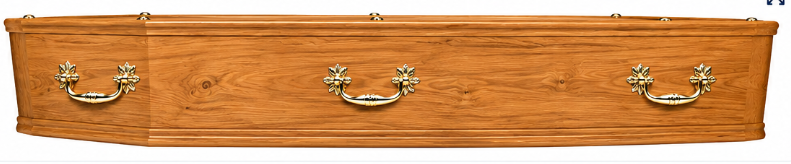
Preview only: the perspective effect makes the artwork look closer to being applied to the coffin. The final print artwork can remain flat/high-resolution.